Color Picker
Extract colors from any image. Get HEX, RGB, and HSL values. Build color palettes.
Drop your image here or click to upload
Supports PNG, JPG, WebP, BMP, GIF
About This Tool
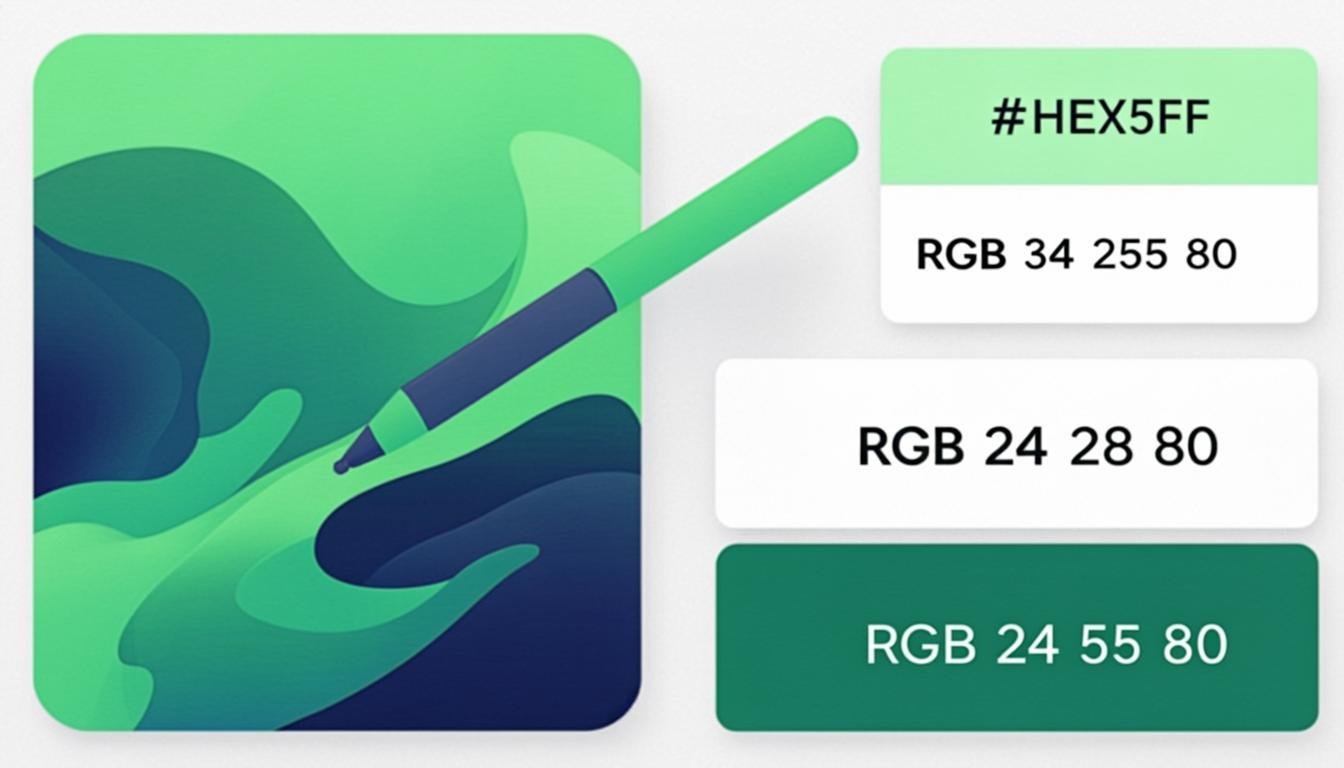
Choosing the right colors is critical in design, branding, and digital content creation. Our free online color picker lets you extract precise color values from any image with a single click, giving you exact HEX, RGB, and HSL codes that you can use in your design tools, CSS, or development projects. Whether you are building a color palette for a website, matching a brand color from a logo, or finding the perfect shade for a design project, this tool makes color extraction fast and accurate.
The tool works by loading your image into an interactive canvas where you can hover over any pixel to see its color values in real time. Clicking on a pixel captures that color and adds it to your palette. You can pick multiple colors from the same image to build a complete palette, and all values are displayed in HEX, RGB, and HSL formats simultaneously. Each value can be copied to your clipboard with a single click for immediate use in your workflow.
Designers use color pickers for tasks ranging from creating mood boards and brand guidelines to matching colors across different assets. Web developers use extracted HEX codes directly in CSS properties. Photographers analyze the color distribution of their images to achieve better color harmony. The tool also displays complementary, analogous, and triadic color suggestions based on your selected color, helping you build cohesive color schemes without needing a separate color theory application.
How to Use This Tool
Upload an Image
Drag and drop any image file into the tool or click to browse. The image will be displayed in an interactive canvas.
Hover to Preview Colors
Move your cursor over the image to see a live preview of the color under the cursor. The HEX, RGB, and HSL values update in real time as you move.
Click to Capture a Color
Click on any pixel to add that color to your palette. Repeat this process to build a collection of colors from the image.
Copy Values to Clipboard
Click the copy button next to any color value (HEX, RGB, or HSL) to copy it to your clipboard. The values are formatted and ready to paste into your code or design tool.
Build Your Palette
Continue picking colors to build a complete palette. You can remove individual colors or clear the entire palette and start over at any time.
Advantages & Use Cases
Pixel-Perfect Accuracy
Extract exact color values from individual pixels, ensuring your chosen colors are precisely what you see in the image.
Multiple Format Output
Get every color in HEX, RGB, and HSL formats simultaneously, ready for use in web development, graphic design, and CSS.
Real-Time Color Preview
See color values update live as you move your cursor across the image, making it easy to find the perfect shade.
Palette Building
Collect multiple colors from an image into a organized palette, with the ability to add, remove, and rearrange colors.
One-Click Clipboard Copy
Copy any color value to your clipboard instantly, streamlining the workflow between color picking and implementation.
Supported Formats & Recommendations
The color picker supports all common image formats including JPEG, PNG, WebP, GIF, BMP, and SVG. Color values are provided in HEX (#RRGGBB), RGB (rgb(R, G, B)), and HSL (hsl(H, S%, L%)) formats. For web development, HEX is the most widely used format. For CSS custom properties and JavaScript manipulation, RGB is preferred. HSL is ideal when you need to create lighter or darker variations of a color by adjusting the lightness component. All formats represent the same color and can be freely interchanged.