Image Filters
Apply stunning filters to your images: grayscale, sepia, blur, brightness, contrast, and more.
Drop your image here or click to upload
Supports PNG, JPG, WebP, BMP, GIF
Related Tools
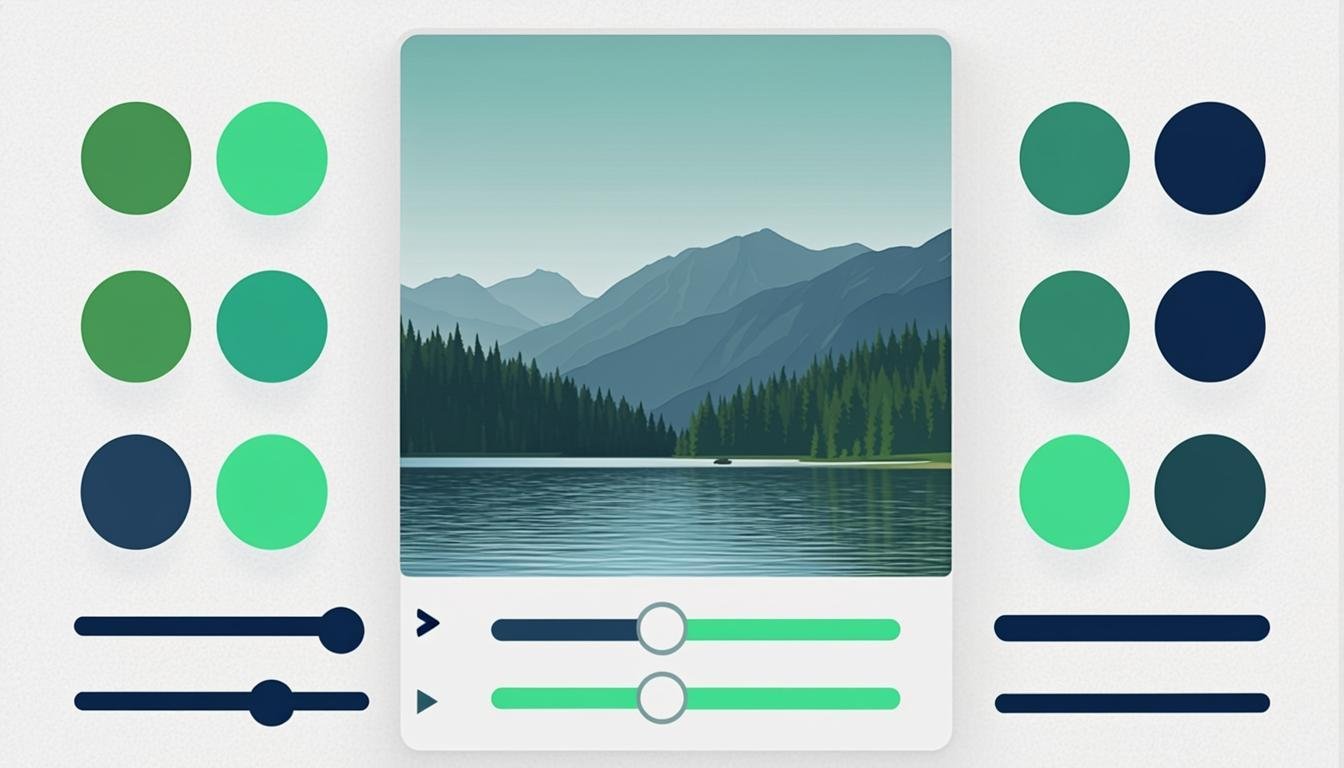
About This Tool
Photo filters transform ordinary images into visually striking visuals with just a few clicks. Our free online image filters tool offers a comprehensive collection of professional-grade filters and adjustments that rival desktop editing software — entirely in your browser. From classic effects like grayscale and sepia to modern adjustments like brightness, contrast, saturation, and hue rotation, you have full creative control without the complexity of professional editors.
The tool is designed for social media enthusiasts, bloggers, small business owners, and anyone who wants to enhance their photos without learning complex software. Instagram-style filters are available alongside fine-tuning controls that let you adjust individual parameters for a custom look. You can stack multiple filters and adjustments to create unique effects, and the real-time preview means you see every change instantly without waiting for processing.
Beyond casual photo enhancement, image filters serve practical purposes across many industries. Real estate photographers adjust brightness and contrast to make property photos more appealing. E-commerce sellers use color correction to ensure product photos accurately represent their items. Content creators apply consistent filter styles across their visual content to maintain a cohesive brand aesthetic. The tool also includes sharpen, blur, and vintage effects that add professional polish to any image, all while keeping your files private with local browser-based processing.
How to Use This Tool
Upload Your Image
Drag and drop your photo into the tool or click to browse your files. The image will appear in the editing canvas with the full range of filters available.
Browse and Apply Filters
Scroll through the available filter presets and click to apply them. Use the adjustment sliders for brightness, contrast, saturation, hue, blur, and sharpen to fine-tune the result.
Combine Multiple Effects
Layer different filters and adjustments to create a custom look. For example, increase contrast slightly, add a warm hue shift, and apply a subtle vignette for a dramatic portrait effect.
Download the Edited Image
Once you are happy with the result, click download to save your filtered image. You can compare the before and after versions to verify the changes.
Advantages & Use Cases
Professional Results Instantly
Pre-built filter presets deliver polished, professional-looking results with a single click — no editing experience required.
Real-Time Preview
See every filter and adjustment applied instantly as you make changes, allowing rapid experimentation and refinement.
Unlimited Combinations
Stack multiple filters and adjustments to create unique, custom effects that stand out from generic filter apps.
No Software Required
Get desktop-quality photo editing capabilities directly in your browser, with no downloads, installations, or subscriptions.
Privacy Focused
All image processing runs locally in your browser. Your photos are never uploaded to any server, protecting your privacy.
Fine-Grained Control
Individual adjustment sliders for brightness, contrast, saturation, hue, blur, and sharpen give you precision control over every aspect.
Supported Formats & Recommendations
The image filters tool accepts JPEG, PNG, WebP, GIF, and BMP input formats. Filtered images can be downloaded in JPEG, PNG, or WebP format. JPEG is recommended for photographs due to its efficient compression, while PNG is better for graphics or images where preserving exact pixel values is important. WebP offers the best balance of quality and file size for web use. GIF input is supported but output is limited to static frames (animation is not preserved). Filtered images maintain the same resolution and dimensions as the original.