Image to PDF
Convert images to PDF documents. Combine multiple images into a single PDF file.
Page Settings
How it works
- Upload multiple images
- Drag to reorder pages
- Customize page size & margins
- Click Generate to create PDF
Add images to convert
Drag and drop or click to upload multiple images
Related Tools
About This Tool
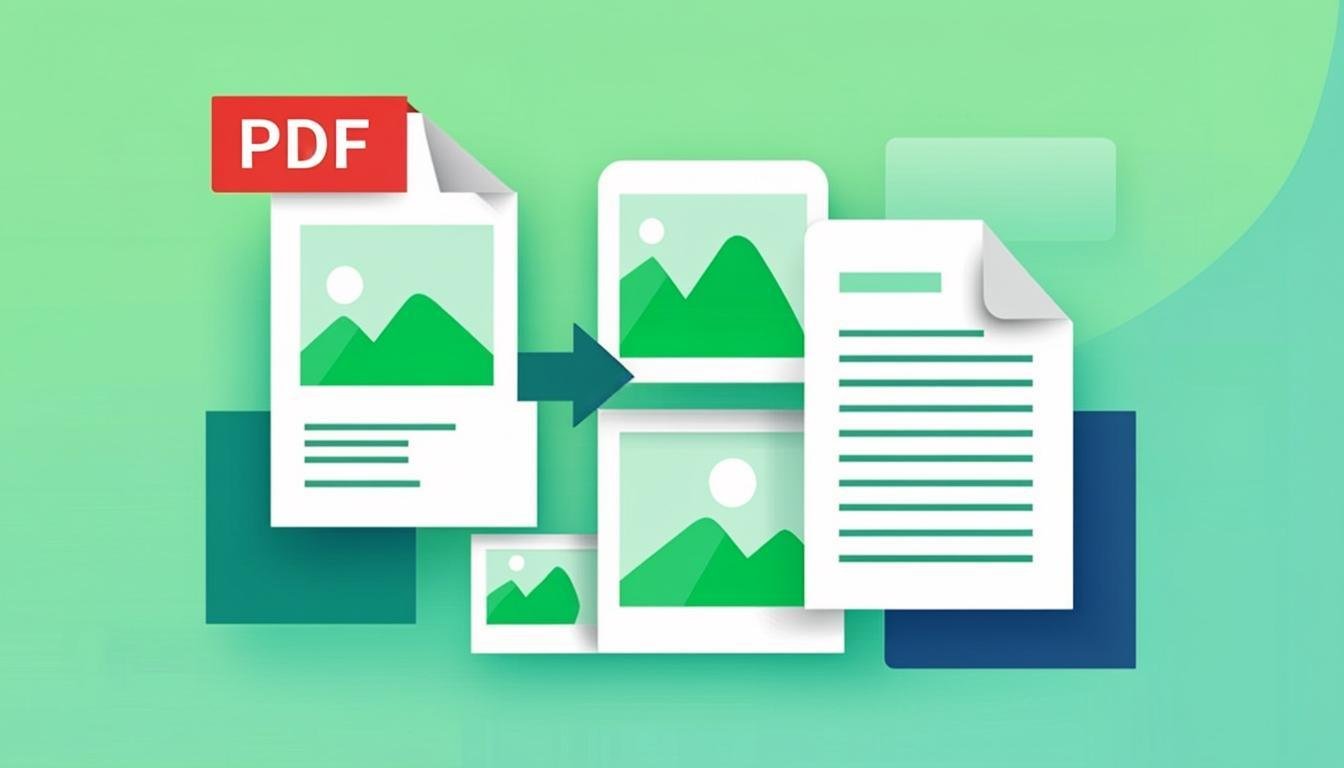
Converting images to PDF is a common requirement for creating documents from photos, compiling reference sheets from screenshots, preparing printable materials, and sharing collections of images in a universally accessible format. Our free online image to PDF converter lets you combine multiple images into a single, well-organized PDF document without installing any software. The resulting PDF maintains high image quality and can be opened on any device with a PDF reader.
The converter is designed for professionals and everyday users alike. Architects and engineers convert blueprint images to PDF for client presentations. Students compile scanned lecture notes into organized study documents. Photographers create PDF portfolios of their work. Business professionals combine charts and graphs into reports. The tool handles all of these use cases with customizable page sizes, orientations, and margin settings that give you full control over the final document layout.
Each image is placed on its own PDF page, scaled to fit within your chosen page dimensions while maintaining the original aspect ratio. You can adjust the order of images by dragging them into the desired sequence before generating the PDF. The tool supports all common image formats as input and produces a standard PDF file that can be viewed, printed, and shared on any platform. All processing runs in your browser, so your images remain completely private throughout the conversion process.
How to Use This Tool
Upload Your Images
Drag and drop multiple images into the upload area. You can combine images in different formats (JPEG, PNG, WebP) into a single PDF.
Arrange the Page Order
Drag images to reorder them. The first image in the list will appear on the first page of the PDF, and so on.
Configure PDF Settings
Choose the page size (A4, Letter, Legal, etc.), orientation (portrait or landscape), and margin settings for your document.
Generate and Download
Click "Create PDF" to generate your document. Preview the result and download the PDF file. The file is ready for printing, sharing, or archiving.
Advantages & Use Cases
Multi-Image Document Creation
Combine dozens of images from different sources and formats into a single, organized PDF document.
Print-Ready Quality
Images are embedded at full resolution, producing PDFs suitable for high-quality printing on standard paper sizes.
Flexible Page Settings
Choose from standard page sizes (A4, Letter, Legal), set custom dimensions, and configure margins and orientation.
Drag-and-Drop Organization
Reorder pages by dragging images into the desired sequence before generating the PDF.
Universal Compatibility
PDF is the most widely supported document format — your converted files can be viewed on any device, any operating system.
Supported Formats & Recommendations
The image to PDF converter accepts JPEG, PNG, WebP, GIF, BMP, and TIFF image formats as input. Output is a standard PDF document compatible with Adobe Reader, Preview, Chrome, Firefox, and all other PDF viewers. For best results, use high-resolution source images — photographs should be at least 150 DPI for screen display or 300 DPI for print. PNG images with transparency will have a white background in the PDF. The converter supports both portrait and landscape orientations with standard page sizes (A4, A3, Letter, Legal) and custom dimensions.