Favicon Generator
Generate favicons for your website from any image. All sizes for modern browsers.
Upload your logo or image
Square images work best. Supports PNG, JPG, WebP, SVG
Related Tools
About This Tool
A favicon is that small icon that appears in browser tabs, bookmarks, and browser history — it is one of the first visual elements users associate with your website. Despite its tiny size, a well-designed favicon significantly enhances brand recognition and helps users identify your site among dozens of open tabs. Our free online favicon generator lets you create professional favicons from any image, automatically generating all the sizes and formats needed for modern browsers, operating systems, and mobile devices.
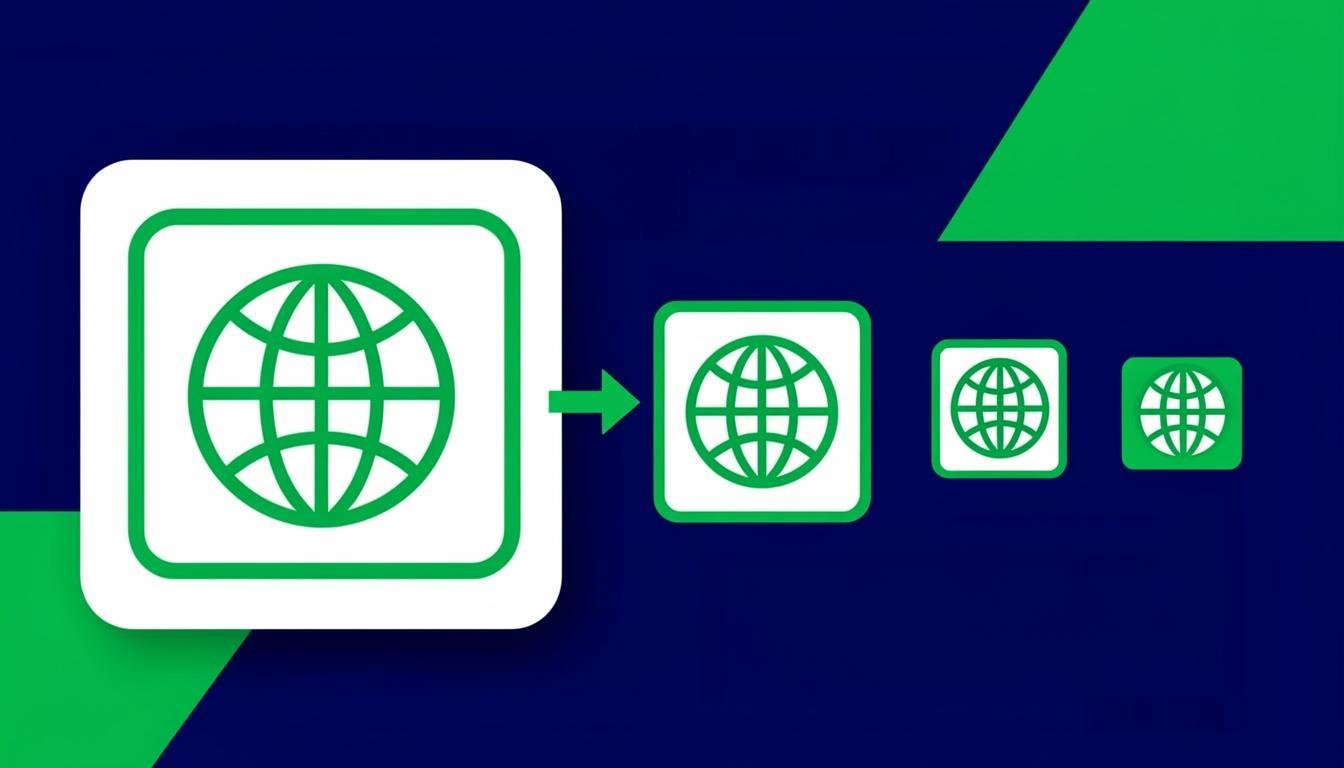
Creating favicons manually used to require multiple image editing steps to produce files in different sizes and formats. Our tool eliminates that complexity by generating everything you need in one operation. Upload a single image — your logo, brand mark, or any graphic — and the tool automatically creates favicon files at every required size including 16x16, 32x32, 48x48, and 180x180 for Apple Touch Icon, plus the ICO format with multiple sizes embedded in a single file. This ensures your favicon looks crisp on every device and platform.
The generator handles the technical details of favicon creation so you can focus on your design. It automatically adjusts contrast, adds padding where needed, and optimizes each size for maximum clarity at its target resolution. The download package includes all generated files along with the HTML code snippets you need to add them to your website. Whether you are launching a new site, refreshing your brand identity, or fixing broken favicons across your pages, this tool delivers production-ready results in seconds.
How to Use This Tool
Upload Your Source Image
Drag and drop your logo or brand image into the upload area. Square images with a simple design work best, but any image format is accepted.
Adjust the Preview
Use the preview panel to see how your favicon will look at different sizes. Adjust padding and background settings if needed to optimize the appearance.
Generate All Sizes
Click the generate button to create favicon files at all standard sizes. The tool produces ICO, PNG, and Apple Touch Icon files optimized for each target platform.
Download and Implement
Download the favicon package, which includes all generated files and the HTML code needed to implement them. Add the files to your website root and paste the code into your page head.
Advantages & Use Cases
All Sizes in One Click
Generate every favicon size needed for all browsers, operating systems, and mobile devices from a single source image.
Production-Ready Code
Get ready-to-use HTML code snippets that implement your favicons correctly across all platforms and browsers.
Optimized for Small Sizes
Automatic contrast adjustment and padding optimization ensure your favicon remains legible even at 16x16 pixels.
ICO and PNG Formats
Download files in both ICO (with embedded multi-size) and PNG formats for maximum compatibility across all browsers.
Instant Updates
Regenerate favicons in seconds whenever your brand changes, keeping your site identity consistent across all platforms.
Supported Formats & Recommendations
The favicon generator accepts JPEG, PNG, WebP, SVG, GIF, and BMP source images. Output files include ICO format (with embedded 16x16, 32x32, and 48x48 sizes), PNG files at 16x16, 32x32, 48x48, 64x64, and 180x180 pixels, and an Apple Touch Icon at 180x180 pixels. The ICO format is required for legacy browser support, while PNG files are used by modern browsers. Apple Touch Icons are displayed when users add your site to their iOS home screen. All files are optimized for their target display sizes and contexts.