Image Converter
Convert images between formats: PNG, JPG, WebP, GIF, BMP, and more.
Target Format
Drop images here or click to browse
Supports PNG, JPG, WebP, BMP • Multiple files allowed
Related Tools
About This Tool
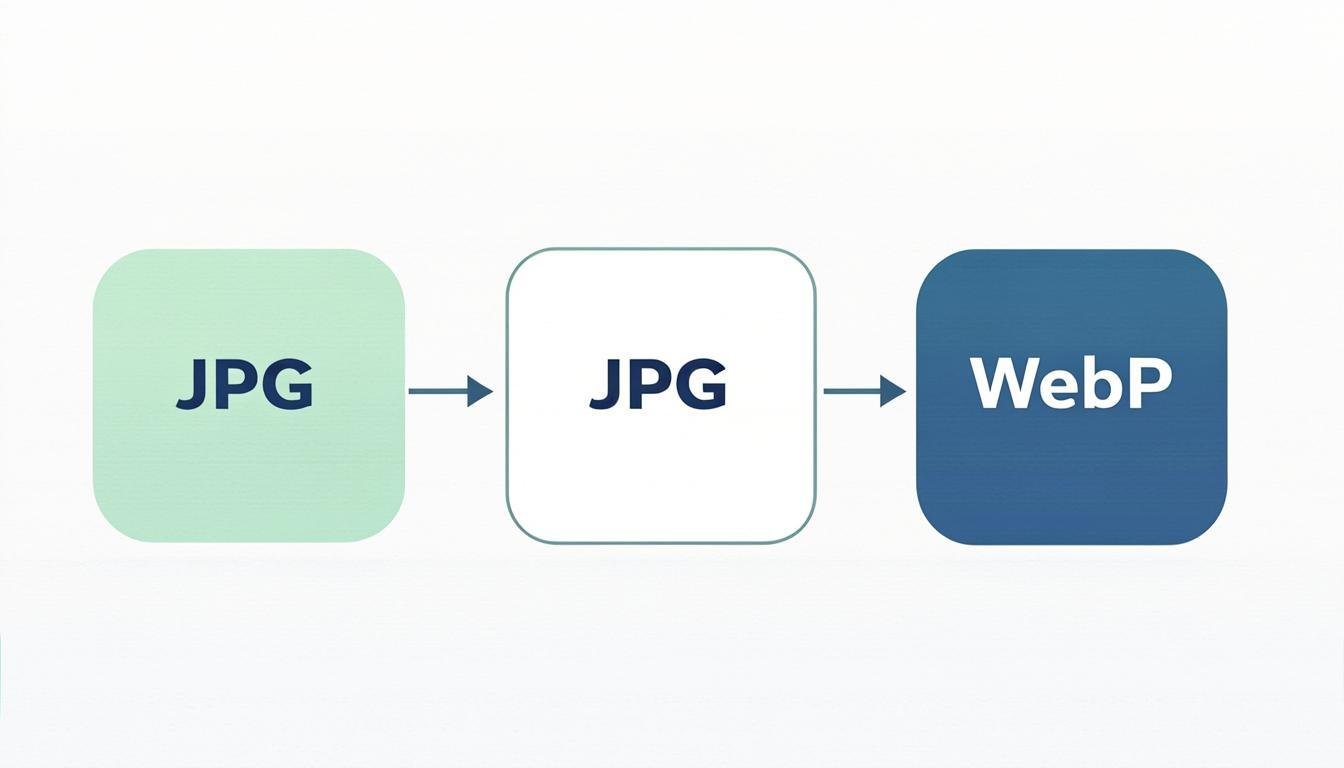
Different platforms and applications require images in specific formats, and converting between them manually can be frustrating without the right tools. Our free online image converter makes it simple to transform images between PNG, JPG, WebP, GIF, BMP, and other popular formats in seconds. Whether you need to convert a PNG to JPEG for a website, turn a photograph into a WebP file for faster loading, or extract frames from a GIF, this tool handles it all from your browser.
The converter is built for anyone who works with digital images across different platforms and use cases. Web developers often need WebP versions of their assets for performance optimization. Graphic designers may need to convert vector files to raster formats for client delivery. Social media managers might need to switch between JPEG and PNG depending on whether an image requires transparency. Instead of opening heavy desktop applications for each conversion, you can handle everything here with a few clicks.
Every conversion runs locally in your browser, so your files never leave your device. The tool preserves image quality during conversion and gives you control over output settings like compression level and background color. The batch conversion feature lets you process entire folders of images at once, converting them all to a target format in a single operation. This is especially valuable for web developers migrating a site to WebP or e-commerce managers standardizing product image formats.
How to Use This Tool
Upload Your Images
Drag and drop one or more images into the upload area, or click to browse your files. You can mix different input formats — for example, upload a combination of PNG and JPEG files to convert them all to WebP.
Select the Target Format
Choose your desired output format from the dropdown menu. Common choices include WebP for web optimization, JPEG for photographs, and PNG for images that need transparency.
Adjust Output Settings
Fine-tune the conversion quality using the compression slider. For JPEG and WebP, you can balance file size against visual quality. For PNG to JPEG conversion, you can choose a background color to replace transparent areas.
Download Converted Files
Click download to save individual files or grab all converted images at once as a ZIP archive. Each file retains the original filename with the new extension.
Review and Use
Open the downloaded files to verify the conversion quality. The converted images are ready for immediate use in websites, applications, presentations, or any other project.
Advantages & Use Cases
WebP Conversion for Performance
Easily convert existing JPEG and PNG libraries to WebP format, achieving significant file size reductions that improve website speed and user experience.
Batch Format Migration
Convert entire collections of images to a consistent format in one operation, perfect for standardizing product catalogs or photo galleries.
Transparency Handling
Intelligent handling of transparent backgrounds across format conversions, with customizable background color replacement options.
No Quality Compromise
Control the exact quality level during conversion to ensure output files meet your standards for both visual fidelity and file size.
Privacy-First Processing
All conversions run entirely in your browser. Your images are never uploaded to any server, making the tool safe for confidential and proprietary files.
Supported Formats & Recommendations
Supported input formats include JPEG, PNG, WebP, GIF, BMP, and AVIF. Output formats include JPEG, PNG, WebP, GIF, and BMP. For web use, WebP is the recommended output format due to its superior compression efficiency. For print production, use PNG or high-quality JPEG. For animated content, GIF remains the standard. BMP files are typically larger and less useful for web applications but may be required by certain legacy systems. The converter automatically detects the input format and applies the appropriate encoding settings for each target format.