Image Cropper
Crop images with precision. Free-form or preset aspect ratios for social media.
Drop your image here
or click to browse • PNG, JPG, WebP, GIF
Related Tools
About This Tool
Cropping is one of the most fundamental image editing operations, yet getting it right can make a dramatic difference in how a photo or graphic is perceived. Our free online image cropper gives you the precision to remove unwanted areas, reframe compositions, and prepare images for specific display contexts — all without leaving your browser. Whether you are straightening a tilted horizon, fitting a photo into a website banner, or creating a perfectly square image for Instagram, this tool provides the controls you need.
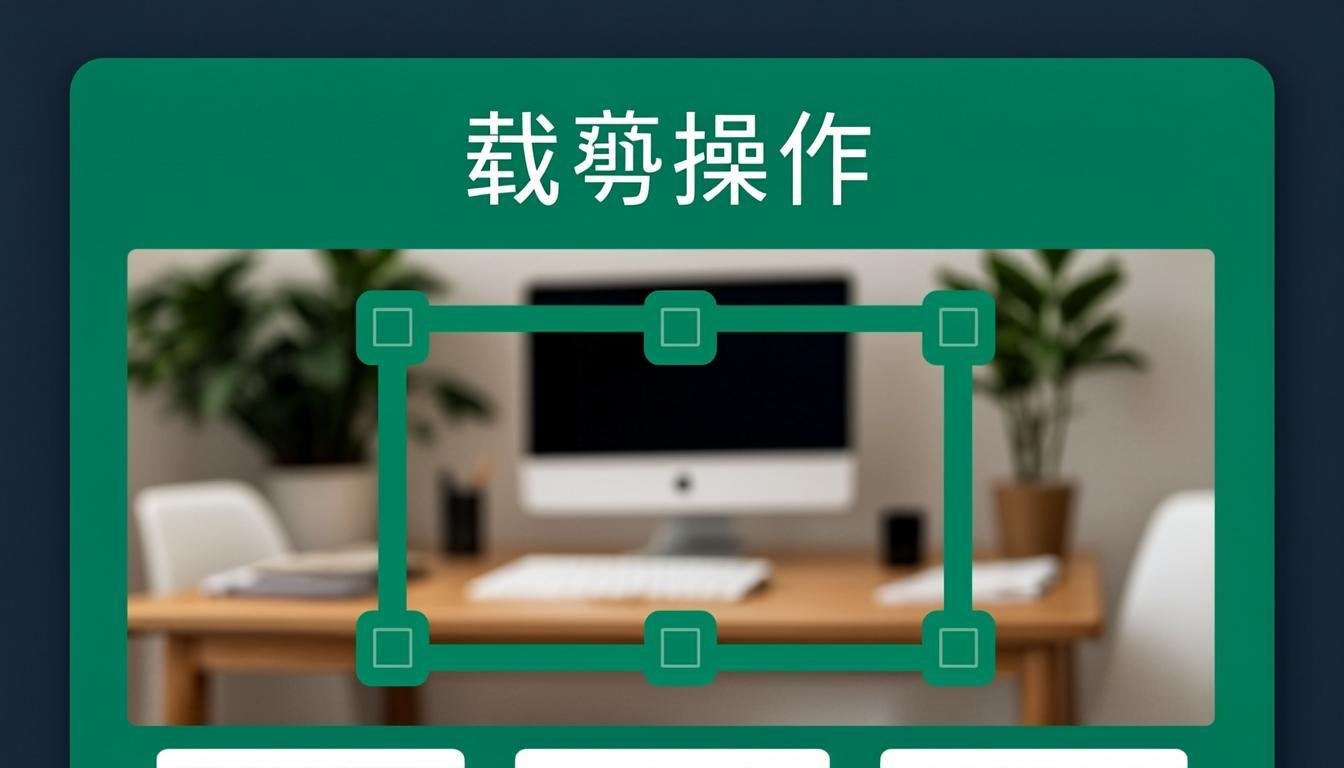
The cropper supports both free-form selection, where you draw any shape or rectangle you like, and preset aspect ratios for common use cases like social media posts, profile pictures, and document photos. The live preview updates in real time as you adjust the crop area, so you always know exactly what the final image will look like. You can also rotate and flip the image within the crop tool to correct orientation issues without switching to a separate editor.
Professional photographers use cropping to improve composition by applying techniques like the rule of thirds, while e-commerce managers crop product photos to focus attention on specific features. Social media marketers rely on precise cropping to ensure images display correctly across different platforms. Our tool makes all of these workflows fast and accessible, with the added benefit of complete privacy since all processing happens locally on your device.
How to Use This Tool
Upload Your Image
Click the upload area or drag and drop your image file. The image will appear in the cropping canvas with adjustable handles around the edges.
Choose an Aspect Ratio or Crop Freely
Select a preset aspect ratio from the toolbar (1:1, 16:9, 4:3, etc.) or choose "Free" to crop without constraints. Social media presets are also available for Instagram, Facebook, and Twitter.
Adjust the Crop Area
Drag the crop handles to define the area you want to keep. Click inside the crop area to reposition it over the image. The preview updates instantly as you make adjustments.
Apply the Crop and Download
Click the "Apply Crop" button to process the image. Preview the final result and download it in your preferred format. The cropped image will have exactly the dimensions shown in the preview.
Advantages & Use Cases
Precise Composition Control
Fine-tune your image framing with pixel-perfect accuracy using adjustable crop handles and real-time preview.
Social Media Presets
One-click access to the correct aspect ratios for every major social platform, ensuring your images display perfectly.
Combined Rotate and Crop
Fix orientation issues and crop your image in a single workflow without switching between different tools.
No Quality Loss
Cropping extracts existing pixels without resampling, so the cropped area maintains the full quality of the original image.
Works on Any Device
The responsive interface works seamlessly on desktop, tablet, and mobile, letting you crop images whenever inspiration strikes.
Supported Formats & Recommendations
The image cropper supports JPEG, PNG, WebP, GIF, and BMP input formats. The output format matches the input by default, though you can choose a different format if needed. For social media use, JPEG at 85-95% quality or PNG for graphics are recommended. If you are cropping an image that contains transparency (PNG), the transparency is preserved in the cropped output. WebP output is available for web-optimized results. The cropped image retains the original color profile and bit depth.